
6 Ways Oatari Helps Turn Plans Into Progress
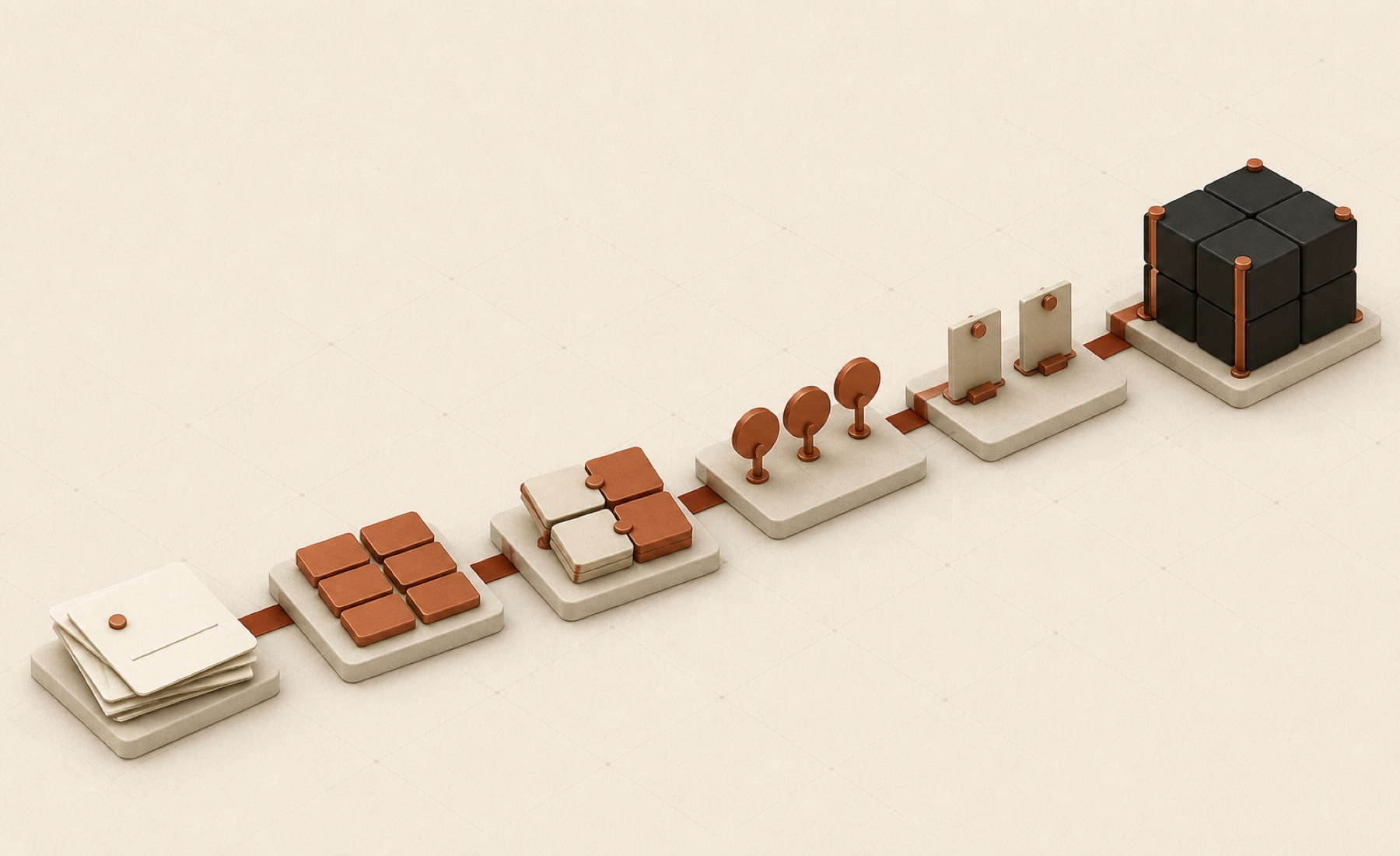
Most plans do not fail in the planning session. They fail in the handoff. An idea becomes scattered messages, priorities compete, and the team cannot easily tell what is complete or needs attention next. Task management software can create a dependable path from intention to action. Oatari’s Real Task Manager is designed to organize work, clarify priorities and ownership, align people, and monitor progress.
Oatari lists the Task Manager as in development for 2027, while the linked product site says Coming Soon. The six uses below reflect only Oatari’s published language, not a claim of current availability. Confirm the latest status and capabilities before making a purchase decision.
What to look for in task management software
A useful task system should answer six practical questions:
- What work exists?
- What should happen first?
- Who is responsible?
- What does the team need to know?
- Which deadlines need attention?
- What is complete, and how is the work performing?
A plan becomes actionable when the team translates it into defined work and maintains shared understanding as circumstances change.
Oatari’s stated capabilities correspond to these needs. Here is how each can support a working method, without assuming unannounced features, integrations, or interface details.
Six ways Oatari task management software can support progress
1Create tasks that make the plan actionable
A strategy may say “launch the new service page.” The team still needs to identify the work required. Creating tasks moves an abstract goal toward accountable action.
Oatari says Real Task Manager will let users create tasks. A useful task should describe a concrete action or deliverable rather than repeat the project goal.
For example, a launch plan might become tasks to confirm the offer, prepare copy, create the design, build the page, review it, and publish it. This is a planning example, not an Oatari template or built-in workflow.
Before creating a task, ask:
- Is the expected outcome clear?
- Can one owner move it forward?
- Is it small enough to review and complete?
- Does the team understand how it contributes to the larger plan?
Clear definitions expose missing steps and create workable units of progress.
2Organize tasks so the work is understandable
Creating tasks is easy; maintaining a coherent picture is harder. Teams need to organize work so active items do not disappear among future ideas or completed actions.
Task organization is a stated capability. Oatari’s description does not specify views, labels, filters, or hierarchies, so confirm those details if they matter to your process.
Whatever structure the product provides, use a consistent logic. A team might organize its work by project, phase, function, or outcome. Choose the model that makes the next action understandable and avoid competing structures for the same work.
A clean system should reveal what is active, what belongs together, and where responsibility sits.
3Prioritize tasks before urgency chooses for you
When every request appears equally important, teams react to the newest message or loudest stakeholder. Prioritization creates a deliberate order.
Oatari includes task prioritization in its description. This can connect planning with execution, but teams still need a shared method for trade-offs; no automated prioritization should be assumed.
One simple approach is to consider:
- The value of completing the task
- The cost or risk of delaying it
- Dependencies that prevent other work from moving
- The effort and capacity currently available
Keep the criteria simple. A priority should guide the next action, not become a decorative status applied to everything.
Review priorities when facts change. Reordering can be a responsible response when the change is visible and explained.
4Assign work to create clear ownership
Tasks stall between “the team should do this” and “this person owns the next step.” Assignment closes that gap.
Oatari says Real Task Manager will support assigning work. The assignment identifies who moves the item forward. That person can coordinate input or a handoff while remaining accountable for the next move.
Good ownership has three qualities:
- One person is clearly responsible for the next action.
- Contributors know what input is expected from them.
- A changed assignment is reflected in the shared work record.
Across disciplines, explicit assignment helps each handoff land with a named owner instead of becoming a general request to the group.
5Share updates and keep the team aligned
Alignment comes from shared understanding of the current state, relevant changes, and next actions — not inviting everyone to every meeting.
Oatari says Real Task Manager will enable teams to share updates and stay aligned. It does not define the communication format, notifications, or collaboration interface, so confirm how updates work for your team.
The quality of an update matters as much as the channel. A concise update can cover:
- What changed since the previous update
- What is now complete
- What is blocked or at risk
- What decision or contribution is needed
- Who owns the next step
This gives teammates useful context without a live status meeting for every change and helps leaders focus on exceptions.
6Monitor deadlines, performance, and completion
Planning becomes trustworthy when a team can compare intended progress with the current state.
Oatari says Real Task Manager will monitor deadlines, performance, and completion.
The public description does not explain which measures, reports, or visualizations will be available. Ask Oatari how “performance” is defined, what deadline information can be monitored, and how completion is represented.
Monitoring should prompt action. Review the available information to identify:
- Work approaching a deadline
- Items that are not moving as expected
- Completed tasks that enable the next phase
- Patterns that may call for a change in scope, priority, or ownership
Completion needs a shared definition: a finished task should represent a delivered outcome, not work that was merely started or handed off.
A simple workflow from plan to progress
The six capabilities work best as a connected loop:
- Translate the plan into clear tasks.
- Organize related work using one consistent logic.
- Prioritize tasks based on value, delay risk, dependencies, and capacity.
- Assign a clear owner for each next action.
- Share useful updates when the state changes.
- Monitor deadlines, performance, and completion, then adjust the plan.
This process is product-neutral. Oatari’s published capabilities support each stage in principle, but its final design and detailed functionality should be verified when available.
Questions to ask before choosing the product
Because Real Task Manager is in development, evaluation should focus on fit. Ask Oatari to confirm:
- The current release timeline and purchasing availability
- Which Task Manager capabilities are included at launch
- How task organization and prioritization work in practice
- How teams share updates and represent ownership
- What deadline, performance, and completion monitoring includes
- Any requirements that matter to your organization’s workflow
Also separate a standard product need from a tailored software need. Oatari Studios offers white-label development, custom software, mobile apps, web design and development, Generative Engine Optimization, and personalized AI agents. If a standard workflow does not fit your business, a custom engagement may be more relevant.
Progress starts with operational clarity
Software cannot replace clear priorities or accountable decisions. It can give those decisions a shared place to become visible and actionable. Oatari’s planned Task Manager is positioned around six foundational needs: creating, organizing, and prioritizing tasks; assigning work; sharing updates and aligning teams; and monitoring deadlines, performance, and completion.
That is a sensible foundation for turning plans into progress. The next step is to confirm how the coming product will deliver those capabilities for your team.
Frequently asked questions about Oatari’s Real Task Manager
Is Oatari’s Real Task Manager available now?
Oatari lists Real Task Manager as in development for 2027, and the linked product site says Coming Soon. Contact Oatari for the latest availability information before making plans based on a release date.
What capabilities has Oatari confirmed?
Oatari’s published language covers creating, organizing, and prioritizing tasks; assigning work, sharing updates, and aligning the team; and monitoring deadlines, performance, and completion. No additional features should be assumed without confirmation.
Is Oatari’s Real Task Manager suitable for my workflow?
That depends on the final product details and your requirements. Ask Oatari to demonstrate how organization, prioritization, assignment, updates, deadlines, performance, and completion work for your use case.
Does Oatari offer custom software as well?
Yes. Oatari Studios describes itself as a compact senior software, design, and strategy team and offers custom software and white-label development, along with mobile apps, web design and development, Generative Engine Optimization, and personalized AI agents.
Want to confirm the Task Manager roadmap or explore a tailored workflow instead? Get in touch with Oatari to discuss your priorities with its senior software, design, and strategy team.
If this raised a question about how your own team works, we are happy to look at it with you. Oatari builds custom software, mobile apps, AI agents, and digital experiences for teams that want it done properly.